Create a KDP-Ready Sticker Mosaic Book in Minutes — No Photoshop, No Design Skills
Our mosaic engine slices your picture into numbered polygons, then cuts every piece from that same map — so each one fits its number. You get paint-by-sticker style boards, piece sheets, answer pages, a KDP interior PDF and a full cover wrap, right in your browser.
One-time payment · No monthly fees. Ever. · 30-day money-back guarantee
- Board, pieces and answer page are generated together — every piece matches its numbered region.
- Interior PDF in 6 KDP trim sizes at 300 DPI, plus a cover wrap sized to your page count.
- Up to 30 pictures per book — easy, medium or hard editions at 40, 60, 74 or 90 pieces.
- Built-in preflight flags low-resolution art and layout problems before KDP does.
Activity Books Look Simple. Making Them Isn't.
“I spent a whole weekend in Photoshop on one book.”
Tracing polygons, numbering every region, rebuilding the sticker sheet piece by piece — and one wrong number ruins the page.
“KDP bounced my file — again.”
Wrong trim, missing bleed, spine width off by a fraction, text in the barcode area. Every rejection costs another evening.
“I'm not sure I'm even allowed to use this art.”
Rights and AI-disclosure questions are real. Guessing wrong can get a book blocked.
“My low-content books just sit there.”
Another blank journal in a sea of blank journals. Buyers want something they can actually do.
Every hour spent on layout is an hour you're not publishing. That's why so many sticker-book ideas never become a finished, uploaded book.
Sticker Mosaic Books Are a Proven Format on Amazon
This isn't a made-up niche. We checked Amazon.com on September 30, 2026 — here's what the shelf looks like.
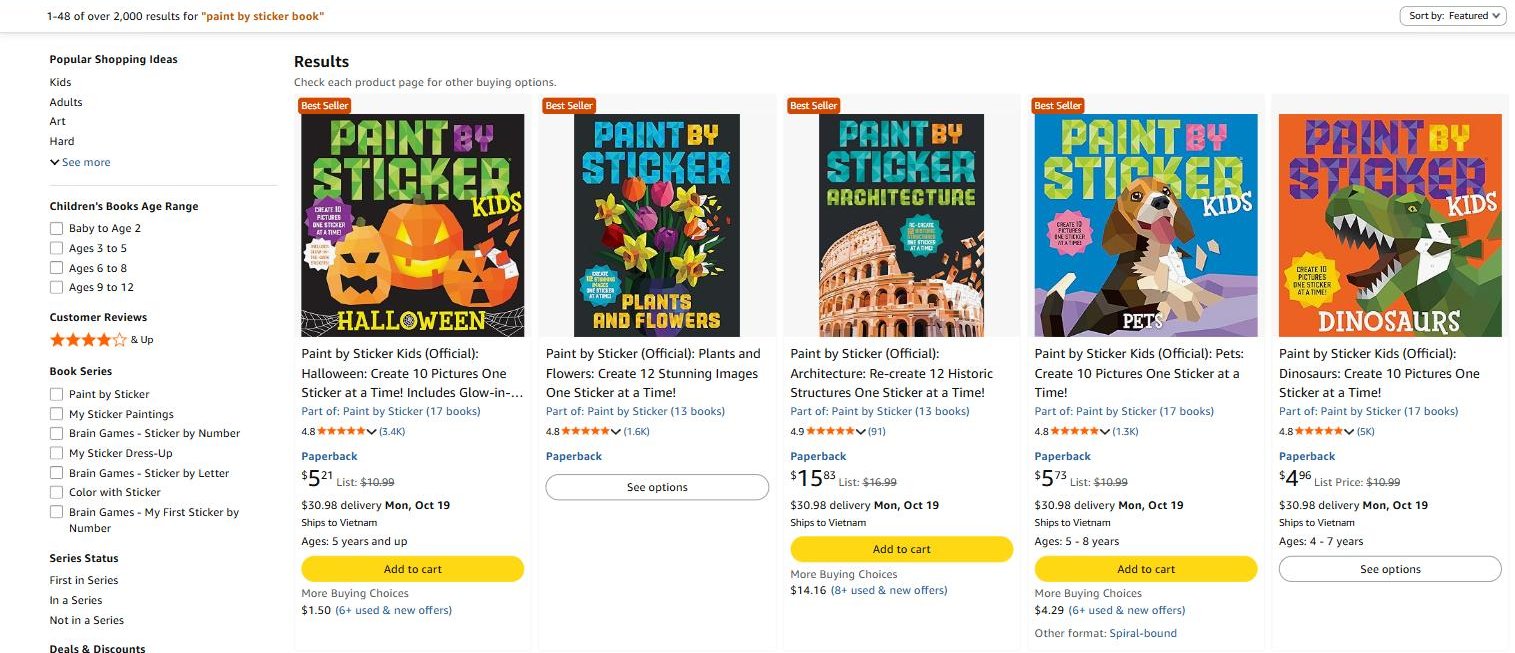
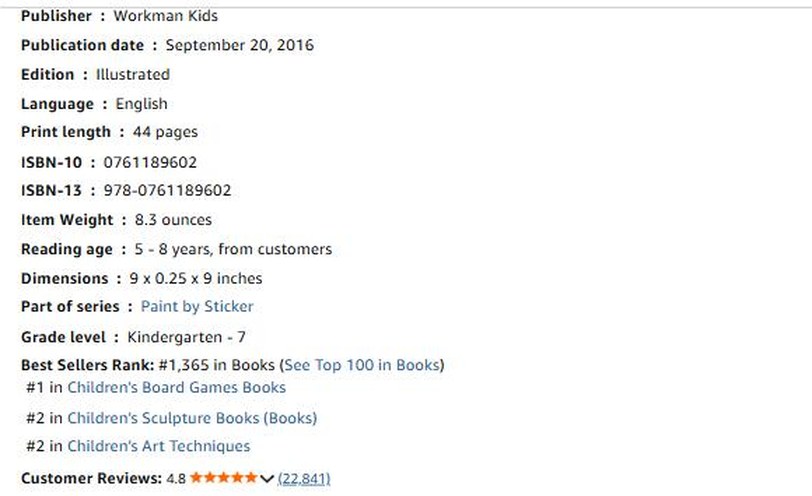
What this tells you — and what it doesn't
- Buyers search for this format and keep buying it years after release.
- Readers buy series — publishers add volume after volume.
- Page one isn't one publisher — several different brands and series compete for the same buyers.
These books are by other publishers and were not made with Sticker Book Creator. We don't know their sales, and a popular format is no guarantee your book will sell. Rankings change hourly. Amazon and all book titles and series names are trademarks of their owners.
Sticker Book Creator: The Production Engine for Sticker Mosaic Books
You bring the picture. The app does the tedious part — numbering, matching, page order, trim, bleed and cover math — and hands you files ready for KDP.
- Web app — nothing to install, works on Windows and Mac
- No API keys, no credits, no monthly fees
- Rights & AI-disclosure reminders built in
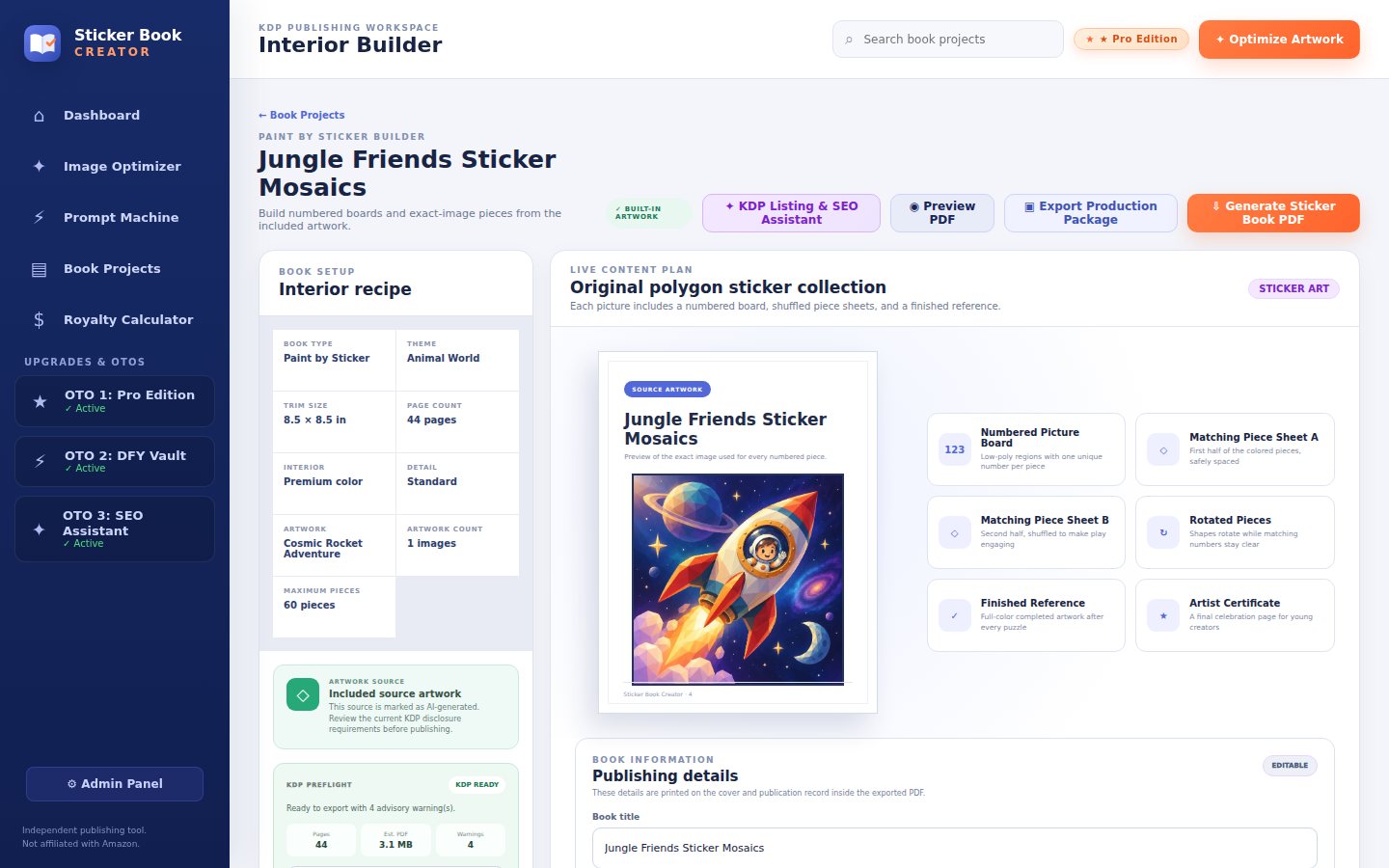
Pick your picture
Upload your own art (1000×1000 px or larger) or use the built-in gallery. The Image Optimizer prepares it for print.
Click generate
Choose 40, 60, 74 or 90 pieces. Numbered board, matching sticker sheets and answer page are built for you.
Export & publish
Download the interior PDF and cover wrap, check the preflight report and upload both to KDP.
One-time payment · No subscription · 30-day money-back guarantee
One Picture In. A Finished Book Out.
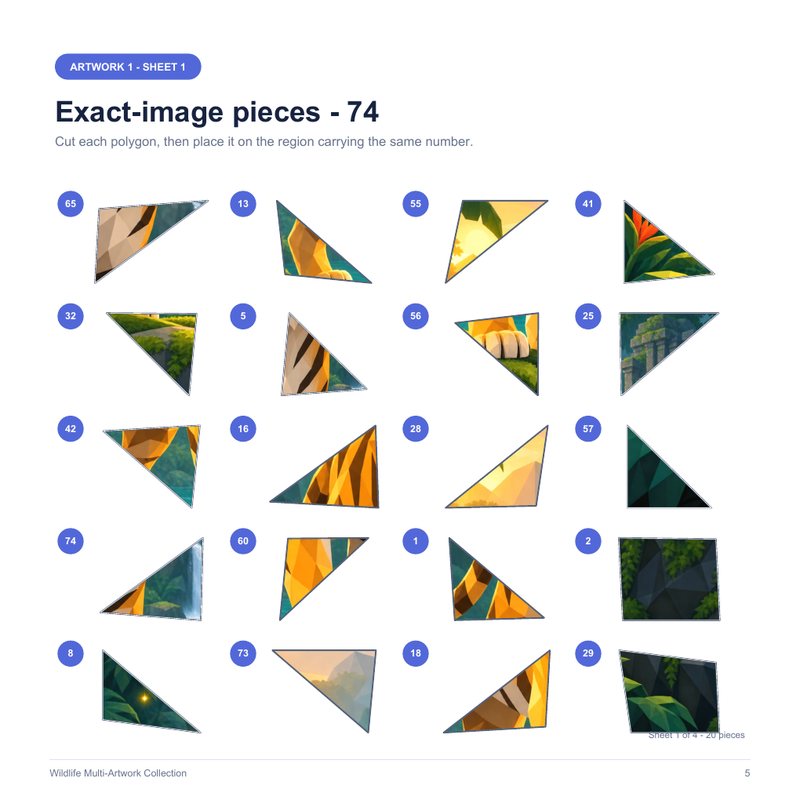
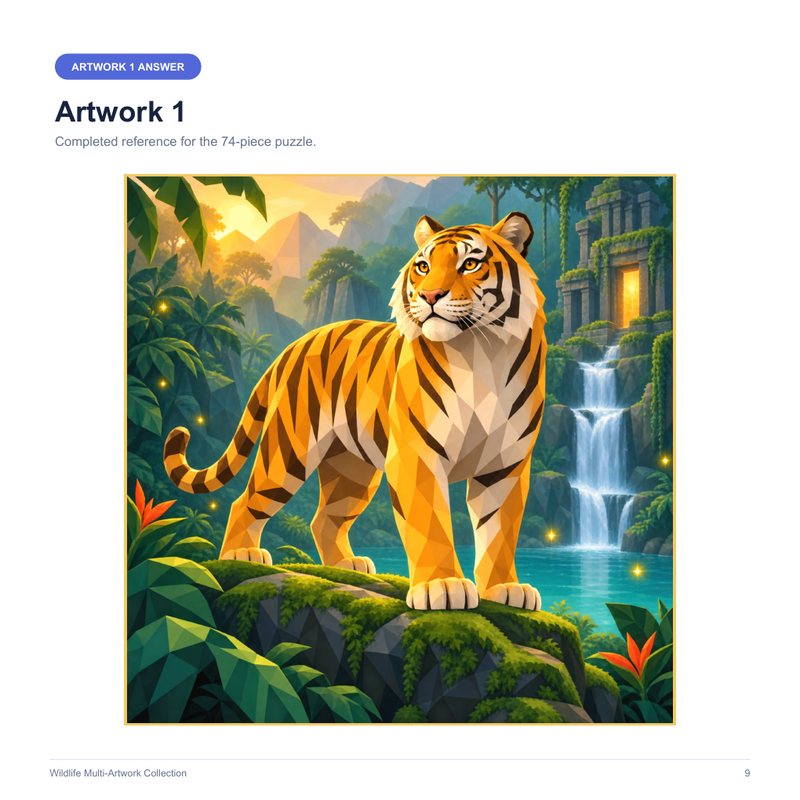
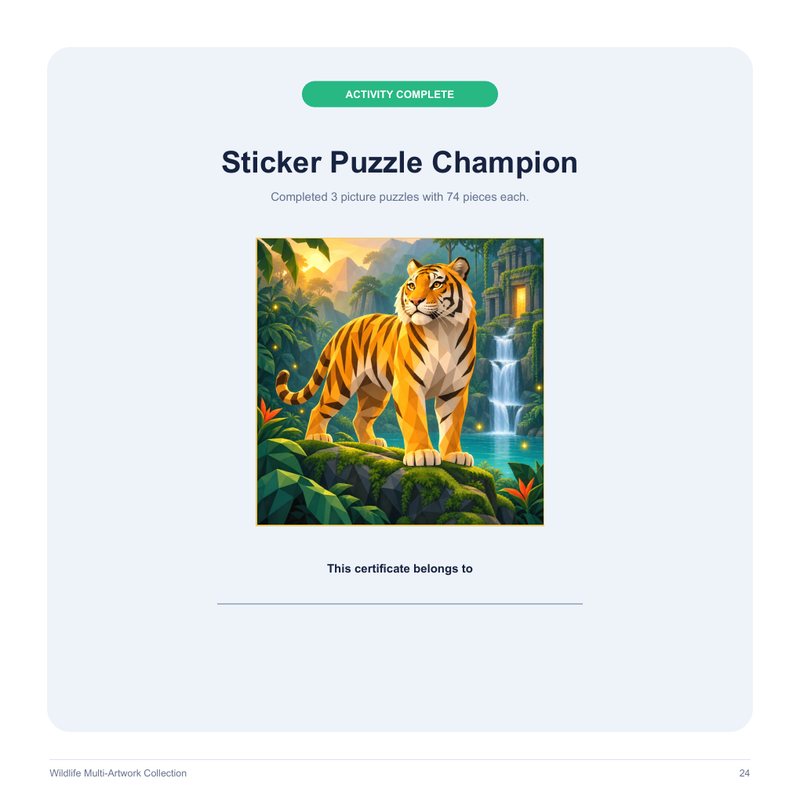
No mock-ups. These pages come from a 24-page sample book exported by the app — 3 pictures, 74 pieces each, 8.5 × 8.5 in.
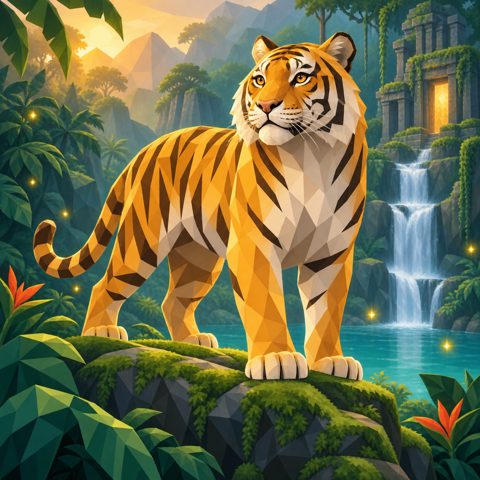
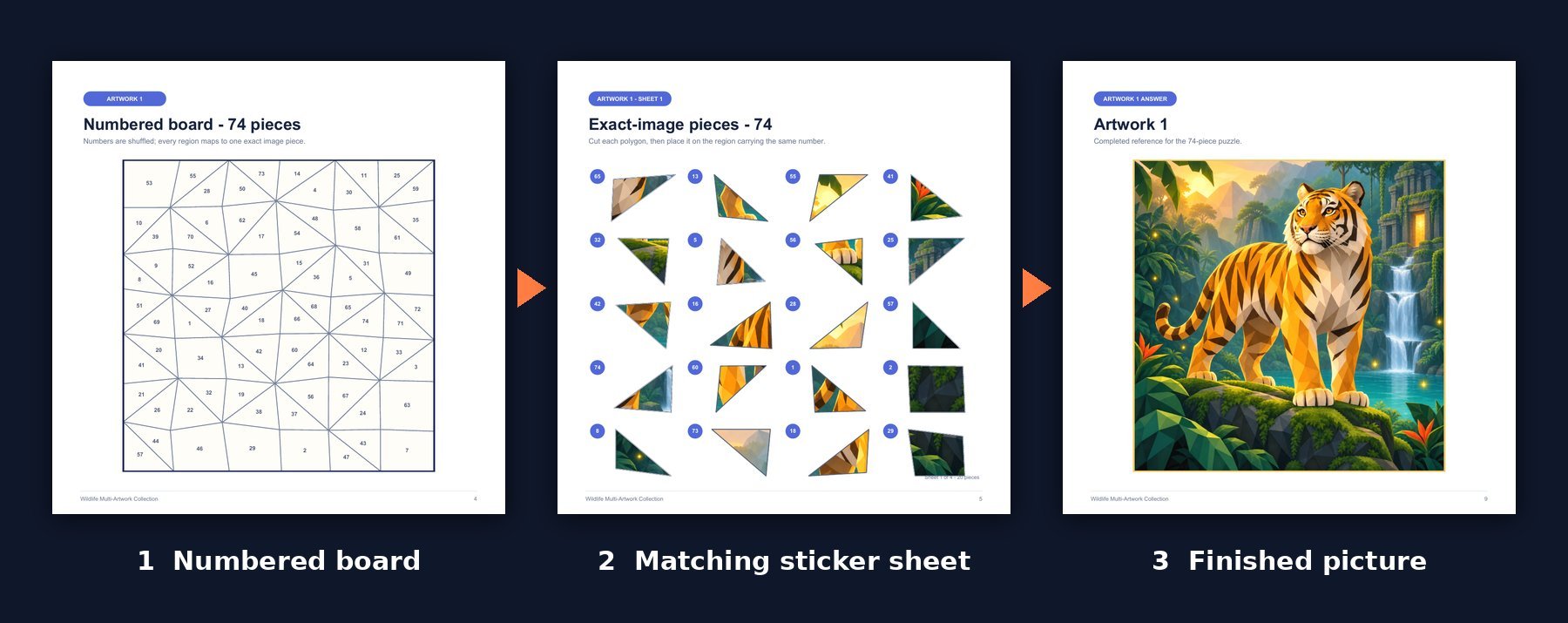
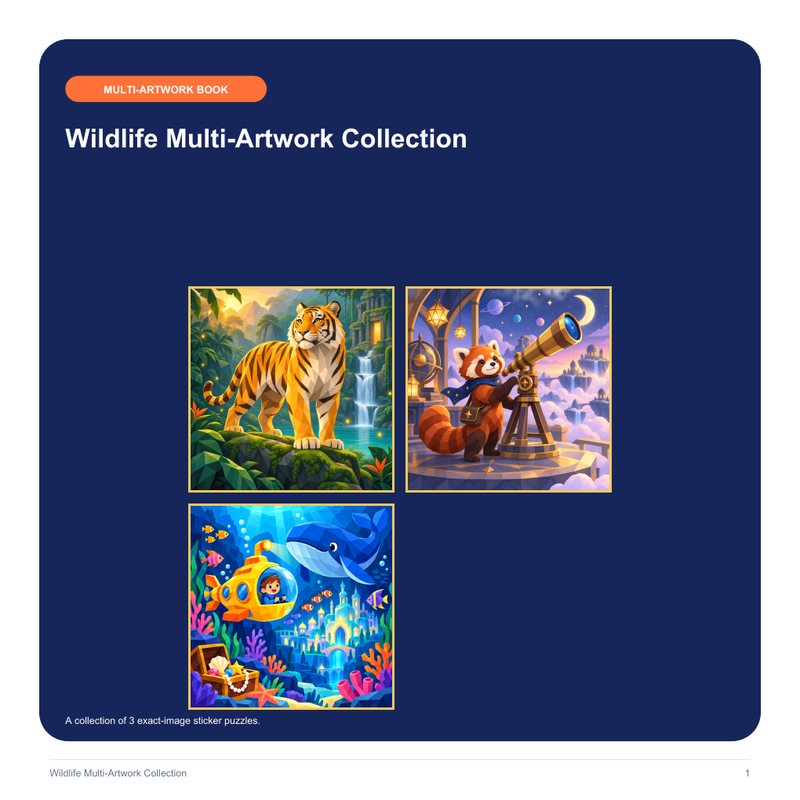
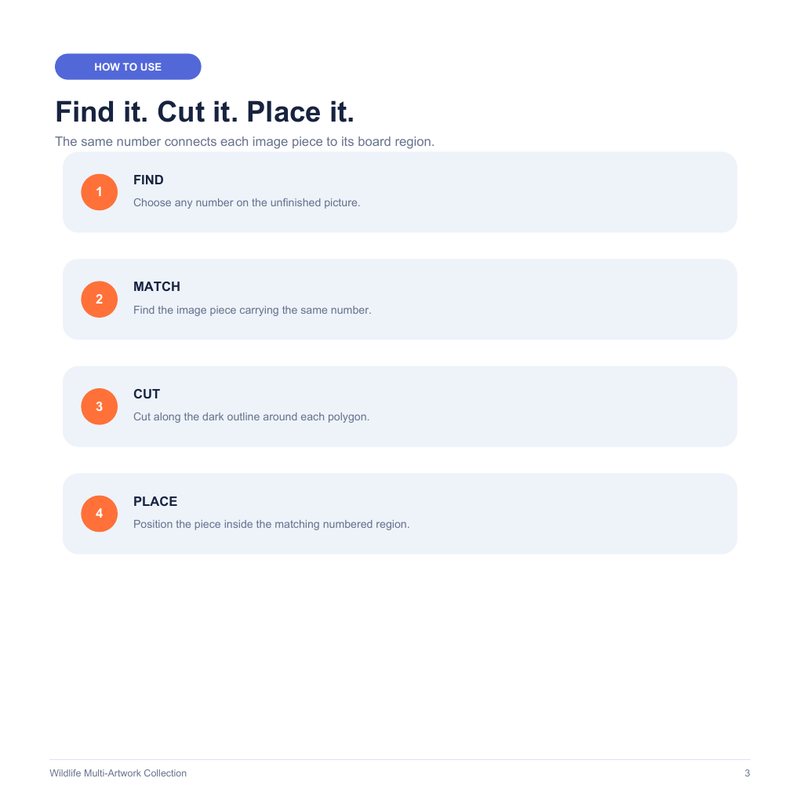
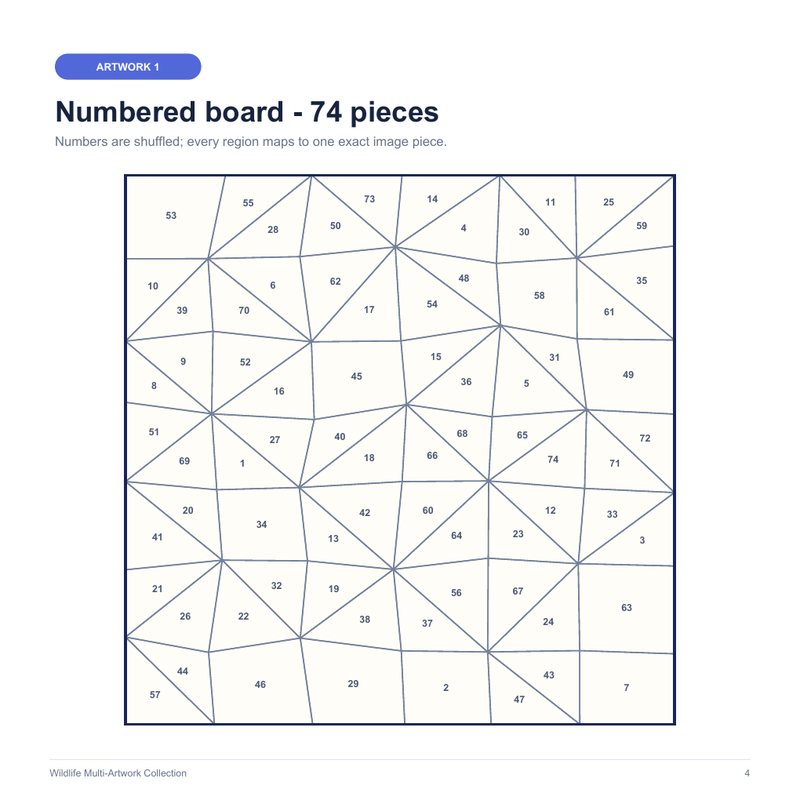
⇩ Open the full 24-page sample PDF
One-time payment · No subscription · 30-day money-back guarantee
Everything You Need to Finish a Book — in One Place
No tool-hopping between a design app, a PDF tool and a spine calculator.
Image Optimizer
Improves print size, colour balance, contrast and clarity before the mosaic is built.
Auto Mosaic Engine
40, 60, 74 or 90 numbered pieces from any picture — easy to hard editions.
Matching Sticker Sheets
Exact-image pieces cut from the same board, numbered and spaced for cutting.
Answer & Extras
Answer page for every picture, how-to page, copyright page and completion certificate.
KDP Interior PDF
6 trim sizes (incl. 8.5×8.5 and 8.5×11), 300 DPI, black-and-white, standard or premium colour.
Cover Wrap Creator
Front, spine and back sized from your page count, barcode area kept clear.
Preflight & Package
Quality checks before export, plus a production package with all your files.
Royalty Calculator
See printing cost and estimated royalty at your list price before you publish.
The Four Questions Everyone Asks
I don't know Photoshop.
You don't need it. There are no layers, paths or export settings to learn — upload a picture, choose a piece count, click generate. If you can attach a photo to an email, you can build a book.
I don't have time.
The slow part — numbering, matching, page layout and cover math — is automatic. In our test, the app generated a complete 24-page, 3-picture interior PDF in under a minute of processing. Your time goes into choosing good pictures and writing the listing.
Will Amazon allow it?
Paint-by-sticker books are an established category on Amazon. What KDP cares about is that you own or license your art, disclose AI-generated content, and meet its print specs. The app exports at KDP trim sizes, runs preflight checks and reminds you about AI disclosure. KDP still reviews every book and has the final say.
How is this different from a free template?
A template gives you an empty grid. It doesn't slice your picture into polygons, number them, cut matching stickers from the same map, build answer pages or size the cover to your page count. That's the part that takes days — and the part this app does.
One-time payment · No subscription · 30-day money-back guarantee
The Old Way vs. the Sticker Book Creator Way
| By hand | With Sticker Book Creator | |
|---|---|---|
| Cutting the picture into pieces | Hours of tracing per picture | Automatic |
| Numbering board & pieces | Manual, easy to mismatch | Generated together — always match |
| Sticker sheets | Rebuilt piece by piece | Built from the same board |
| Interior PDF | Manual trim, bleed and page order | One click, KDP trim sizes |
| Cover wrap & spine | Templates and calculators | Sized from your page count |
| Catching problems | When KDP rejects the file | Preflight before you upload |
Do the Math
| Option | Typical cost |
|---|---|
| Your own time building it by hand | Several days per book |
| Freelance designer — one interior + cover | $150–$500+ |
| Design / layout software subscription | From $20 per month |
| Sticker Book Creator — unlimited books | $17 one-time |
Indicative market prices for comparison only. Your costs may vary.
Is Sticker Book Creator Right for You?
✅ It's a great fit if you…
- Publish (or want to publish) activity books on KDP and want a format with more substance than blank journals
- Have artwork — or will start with the built-in gallery — and hate layout work
- Make printable activities for your kids, class or clients
- Want to own your files instead of paying a monthly fee
❌ It's not for you if you…
- Expect income without publishing and marketing your books
- Plan to use images you don't have the rights to publish
- Want a tool that writes story books or colouring books
- Only want to work on a phone — a computer is recommended
Your Complete Sticker Mosaic Studio
Sticker Book Creator — Starter Edition
Lifetime access to the web app · Unlimited books
- Auto Mosaic EngineNumbered boards at 40, 60, 74 or 90 pieces from any picture
- Matching sticker sheets + answer pagesGenerated together so every piece fits
- KDP interior PDF6 trim sizes · 300 DPI · B&W, standard or premium colour
- Cover Wrap CreatorSpine sized from your page count, barcode area kept clear
- Image Optimizer, preflight checks & production packageCatch problems before KDP does
- KDP Royalty CalculatorPrice your book with the numbers in front of you
- Built-in artwork gallery + 1-click sample bookStart building before you have your own art
🎁 Buyer bonuses — included free
- Bonus #1 · KDP Content, Rights & AI Disclosure ChecklistArtwork rights, AI disclosure, metadata and print specs — check before every upload
- Bonus #2 · 10 Listing Templates for Sticker Mosaic BooksTitle formulas, description templates and keyword ideas by theme
- Bonus #3 · Your First Sticker Mosaic Book in 7 DaysA one-step-a-day plan from niche to published book
Login details and bonuses are ready in your account right after checkout
MONEY-BACK
Try Sticker Book Creator for 30 days — risk-free
Use it on real books. If it doesn't save you time or simply isn't a fit, request a refund through WarriorPlus within 30 days of purchase and you'll get your money back. Keep the bonus PDFs either way — they're yours. Read the refund policy.
Questions Buyers Ask Before They Start
Do I need design or technical skills?
No. If you can upload a picture and click a button, you can build a book. Numbering, sticker matching, page order and cover sizing are handled for you.
Is this really a one-time payment?
Yes. $17 once for lifetime access to the Starter Edition — no subscription and no credits. After checkout you will see optional upgrades; you never need them to build and export books.
What do I need to run it?
A computer with a modern browser (Chrome, Edge, Safari or Firefox) and an internet connection. Nothing to install and no API keys.
What if I don't have artwork yet?
Start with the built-in gallery or the one-click sample book. When you use your own images, they should be 1000×1000 px or larger and you must own them or be licensed to publish them commercially.
Can I sell the books I make?
Yes. The books you create are yours to publish and sell on Amazon KDP, as long as you have the rights to the artwork inside them. Selling on other platforms (IngramSpark, Etsy printables, your own store) is covered by the optional Pro Edition licence.
Will KDP accept my book?
The app exports files at KDP trim sizes and runs preflight checks, but Amazon reviews every title and has the final say. We can't guarantee approval, sales or rankings.
What about AI-generated images?
You can use them if the image tool's terms allow commercial use. KDP asks you to disclose AI-generated content when you publish — the app and Bonus #1 walk you through it.
Does KDP print real peel-off stickers?
No — KDP prints on regular paper, so KDP editions work as cut-and-place mosaic books: the reader cuts out each numbered piece and glues or tapes it onto its number. If you want peel-off sticker editions, you can send the piece pages to a specialist sticker printer.
Can I use the words “Paint by Sticker” in my title?
Be careful: “Paint by Sticker” is used as a brand name by another publisher. Use descriptive terms such as “sticker mosaic” or “sticker by number” in your titles and keywords. The Listing Assistant and Bonus #1 help you avoid other brands' trademarks.
How many books can I make?
As many as you like. Each book can hold up to 30 pictures.
Where do I find my bonuses?
Right on your dashboard after you log in, under “Your bonuses”. They're PDFs you can download and keep.
How do I get access?
Your login is emailed to the address you used at checkout right after purchase. Sign in at stickerbook.lognvu.com/login.
What if it's not for me?
Request a refund through WarriorPlus within 30 days of purchase and you'll get your money back — and you can keep the bonus PDFs.
Your First Sticker Mosaic Book Is One Picture Away
Upload a picture, click generate, export your KDP files. Try it on real books for 30 days — risk-free.
One-time payment · No monthly fees · 30-day money-back guarantee
P.S. Not sure yet? Open the full 24-page sample book first. Every page in it was generated by the app.
P.P.S. It's $17 one-time and covered by a 30-day money-back guarantee — and the three bonus PDFs are yours to keep either way.